What are Coverage Insights, and How Do I Add Them to My Quote?

You have the option to add additional info about insuring agreements to your quote. Here's how.
When preparing an online application for Smart Cyber Insurance in the CrowBar, you'll see check boxes enabling you to add additional information or resources to the quote letter Corvus sends you. These options appear at the end of the online application, just before the button to submit.
This article is specific to Coverage Insights. Wondering about the rest of the options? Click here to learn more about customizing your quote letter.
Coverage Insights
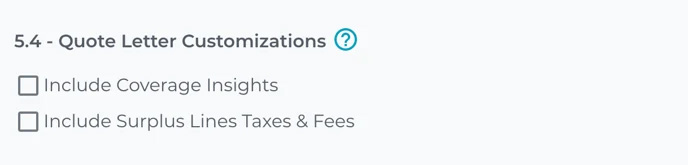
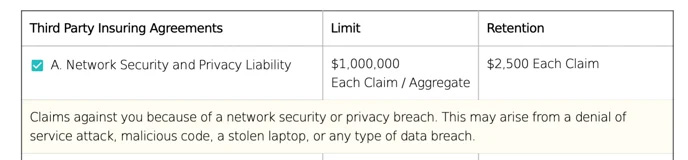
Selecting Coverage Insights will insert brief descriptions of coverage for each individual insuring agreement in the quote -- example seen below with a yellow background.
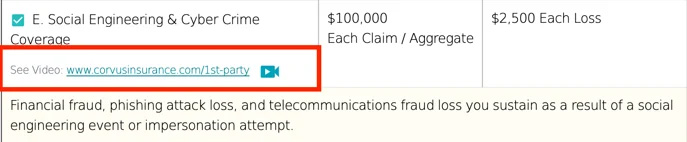
Note: links to videos explaining certain coverages at a deeper level are placed throughout the quote. These will be present in the quote regardless of the choice to include the additional Coverage Insights.